
Game Overview
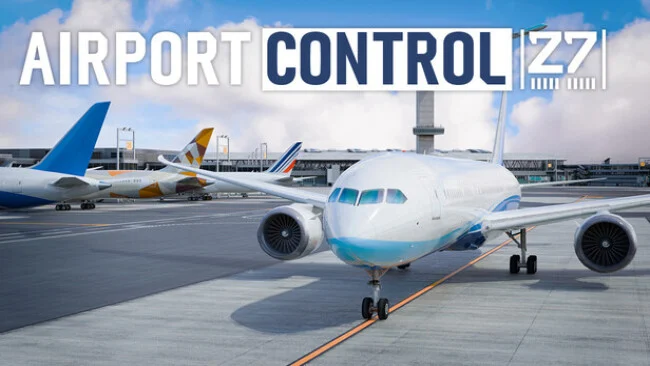
Managing a busy airport becomes a demanding real-time puzzle in Airport Control 27, a detailed 3D simulation built around the pressure and precision of air traffic control. Rather than flying aircraft yourself, you direct every stage of their movement, from pushback and taxi clearances to takeoff, approach, landing, and runway exit instructions. The atmosphere leans serious and procedural, with pilot radio chatter, operating restrictions, and crowded ramps creating the feeling of working an active tower position. Four recognizable airports—Jinan, JFK, Shenzhen Bao’an, and Ronald Reagan Washington National—provide distinct layouts and operational challenges.
Each scenario asks you to keep traffic flowing without allowing aircraft to block taxiways, cross unsafe routes, or create runway conflicts. Commands cover practical ground-control work such as choosing pushback locations, assigning custom taxi paths, holding traffic, setting up follow-me movements, and managing right-of-way at intersections. Arrivals and departures also demand attention to procedures, including route restrictions, altitude and speed rules, runway assignments, aircraft wingspan limits, and pavement constraints. Six structured levels at every airport gradually introduce the systems, while Endless Mode generates changing schedules for players who want to test how long they can maintain an orderly operation.
Visual presentation is a major strength, with detailed airport environments, functioning jet bridges, believable markings, and comprehensive night lighting making the field easy to read while still looking like a flight-sim environment. Real-time pilot readbacks and selectable Chinese or English communications add welcome authenticity, especially for players who enjoy learning aviation terminology rather than simply clicking icons. Workshop support for custom liveries and schedules gives dedicated controllers additional reasons to return once the official challenges are complete. Airport Control 27 suits aviation enthusiasts and methodical strategy players first, sitting closer to a hands-on tower simulator than the streamlined management style of Airport CEO; newcomers can learn through its levels, but veterans will get the most from its dense operational detail.
Screenshots
Installation
- Select the Download button at the top of this page to open UploadHaven.
- On UploadHaven, wait for any countdown, then select Free Download. Optional: UploadHaven Pro for faster downloads.
- When complete, extract the archive to a Airport Control 27 folder using 7-Zip.
- Open the extracted folder and start the game normally.
- For errors, check Setup Guide & Troubleshooting below. Keep your security software enabled.
System Requirements
- Requires a 64-bit processor and operating system
- OS: Windows 10 64bit
- Processor: Intel Core i5-9400, AMD Ryzen 5 2600, or better
- Memory: 16 GB RAM
- Graphics: Nvidia GeForce GTX 3050, AMD Radeon RX 5600 graphics card or better (min 6GB VRAM, DX11 support)
- DirectX: Version 11
- Network: Broadband Internet connection
- Storage: 20 GB available space
Setup Guide & Troubleshooting
How do I fix missing DLL errors for Airport Control 27 (v26.09.22.1)?
After extracting Airport Control 27 (v26.09.22.1), navigate to the _Redist or _CommonRedist folder inside the game directory and install DirectX, Vcredist, and any other dependencies included.
What should I do if the downloaded file is corrupted?
The full archive is 8.72 GB — make sure your download completed fully before extracting. Use 7-Zip to extract the files. If you still see a "file corrupted" error, re-download and try again.
Do I need to run the game as administrator?
Usually, no. Start the game normally from the extracted folder. If you see a permissions or save error, check that the folder is writable and follow the game's documented fix. Only grant administrator access when a trusted game's specific setup requires it.
How do I update my GPU drivers for this game?
The game won't launch — what should I try?
Check that extraction completed and your PC meets the system requirements, including Version 11. Note any error message before choosing a fix. If it identifies a missing runtime, install the required DirectX components or Microsoft Visual C++ Redistributable from Microsoft.
My antivirus is blocking the game — is it safe?
A warning needs to be investigated; the download source alone cannot confirm that a file is safe. Keep your security software enabled and review the detection details. Do not run or restore a flagged file unless you have verified that it is a false positive. If you are unsure, leave it quarantined.