
Game Overview
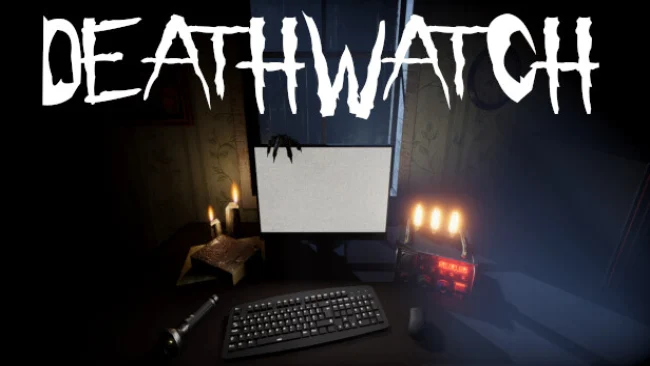
A night spent watching security feeds becomes a fight for survival when the cameras begin showing things that should not exist. DEATHWATCH is a paranormal surveillance horror game built around tense observation rather than conventional weapon-based combat, placing you in haunted locations where every flicker, sound, and movement may matter. Its atmosphere is deliberately claustrophobic: you are isolated behind computer screens, yet the growing sense that something is also watching from the room makes even checking a monitor feel unsafe.
Players cycle through camera feeds, listen for audio disturbances, inspect their immediate surroundings, and record supernatural incidents through the available computer systems. Logged evidence builds the data needed to identify and eliminate the hostile entity before the night ends with you becoming another victim. Events range from subtle environmental changes and eerie noises to apparitions and more overt manifestations, forcing careful attention instead of blind panic. Survival depends on recognizing what counts as evidence quickly enough while resisting the urge to stare at one screen for too long, because threats can emerge both on camera and close by.
Hundreds of possible events at each location keep investigations from becoming a memorized routine, giving repeated runs a different rhythm and set of scares. The central idea has shades of Phasmophobia’s evidence gathering and Five Nights at Freddy’s camera tension, but DEATHWATCH makes the player feel more like a vulnerable analyst trapped inside the investigation than a ghost hunter equipped for a fight. Twitch integration adds a particularly unpredictable social angle, allowing live chat to appear in-game as viewers react, assist, or interfere with the night’s work. VR is the strongest option for horror veterans who want the full discomfort of physically turning toward noises in the dark, while standard play still suits newcomers who prefer a measured, observation-driven scare experience.
Screenshots
Installation
- Select the Download button at the top of this page to open UploadHaven.
- On UploadHaven, wait for any countdown, then select Free Download. Optional: UploadHaven Pro for faster downloads.
- When complete, extract the archive to a DEATHWATCH folder using 7-Zip.
- Open the extracted folder and start the game normally.
- For errors, check Setup Guide & Troubleshooting below. Keep your security software enabled.
System Requirements
- OS: Windows 7
- Processor: Ryzen 3 1600
- Memory: 4 GB RAM
- Graphics: Geforce 1060 or equivalent
- Storage: 3 GB available space
Setup Guide & Troubleshooting
How do I fix missing DLL errors for DEATHWATCH?
After extracting DEATHWATCH, navigate to the _Redist or _CommonRedist folder inside the game directory and install DirectX, Vcredist, and any other dependencies included.
What should I do if the downloaded file is corrupted?
The full archive is 1.04 GB — make sure your download completed fully before extracting. Use 7-Zip to extract the files. If you still see a "file corrupted" error, re-download and try again.
Do I need to run the game as administrator?
Usually, no. Start the game normally from the extracted folder. If you see a permissions or save error, check that the folder is writable and follow the game's documented fix. Only grant administrator access when a trusted game's specific setup requires it.
How do I update my GPU drivers for this game?
The game won't launch — what should I try?
Check that extraction completed and your PC meets the system requirements. Note any error message before choosing a fix. If it identifies a missing runtime, install the required DirectX components or Microsoft Visual C++ Redistributable from Microsoft.
My antivirus is blocking the game — is it safe?
A warning needs to be investigated; the download source alone cannot confirm that a file is safe. Keep your security software enabled and review the detection details. Do not run or restore a flagged file unless you have verified that it is a false positive. If you are unsure, leave it quarantined.