
Game Overview
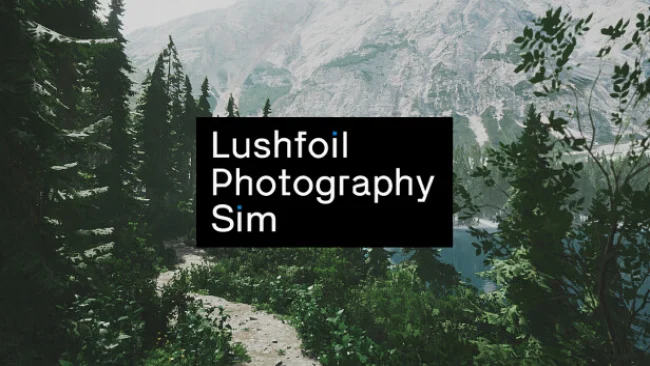
Quiet observation replaces competition in this first-person photography simulation, where the reward is finding the exact angle that makes a landscape sing. Lushfoil Photography Sim sends you through carefully recreated natural locations inspired by places around the globe, from broad scenic overlooks to secluded corners that invite slower exploration. Its mood is meditative rather than demanding, supported by an airy ambient soundtrack and environments designed to make stopping, looking, and listening feel worthwhile. There are no monsters to fight or races to win; the challenge lies in noticing beauty, composing it well, and reaching places most players may walk past.
A fully featured virtual DSLR sits at the center of the experience. You trek across each map, frame shots, and adjust practical photographic controls including focus, exposure, aperture, contrast, white balance, flash, burst shooting, and effects, allowing images to lean toward realistic travel photography or more stylized results. Environmental tools also let you alter conditions such as light direction, fog, snowfall, wind, and rain, so a familiar viewpoint can become a completely different image. Objectives encourage strong composition, while hidden equipment expands how you navigate and shoot: a drone provides aerial perspectives, and a concealed rowboat opens water routes for low, reflective angles.
What separates Lushfoil Photography Sim from a typical walking simulator is its willingness to treat photography as more than a screenshot button. The detailed Unreal Engine 5 scenery is built around visual storytelling and quiet discovery, with secrets and alternate vantage points rewarding patience rather than twitch reflexes. Extensive graphics options make its scenic ambition more approachable across a range of PC hardware, while high-end systems can push the visual detail further. Fans of the peaceful wandering in titles like Eastshade, the photo modes of open-world games, or real-world landscape photography should find a focused, relaxing creative sandbox here; newcomers can use automatic settings, while dedicated virtual photographers have plenty of manual control to master.
Screenshots
Installation
- Select the Download button at the top of this page to open UploadHaven.
- On UploadHaven, wait for any countdown, then select Free Download. Optional: UploadHaven Pro for faster downloads.
- When complete, extract the archive to a Lushfoil Photography Sim folder using 7-Zip.
- Open the extracted folder and start the game normally.
- For errors, check Setup Guide & Troubleshooting below. Keep your security software enabled.
System Requirements
- Requires a 64-bit processor and operating system
- OS: Windows 10
- Processor: Intel i5-4590 or AMD FX 8350 equivalent
- Memory: 8 GB RAM
- Graphics: GeForce GTX 1050Ti / Radeon R9 590 or equivalent
- DirectX: Version 11
- Storage: 25 GB available space
Setup Guide & Troubleshooting
How do I fix missing DLL errors for Lushfoil Photography Sim?
After extracting Lushfoil Photography Sim, navigate to the _Redist or _CommonRedist folder inside the game directory and install DirectX, Vcredist, and any other dependencies included.
What should I do if the downloaded file is corrupted?
The full archive is 8.72 GB — make sure your download completed fully before extracting. Use 7-Zip to extract the files. If you still see a "file corrupted" error, re-download and try again.
Do I need to run the game as administrator?
Usually, no. Start the game normally from the extracted folder. If you see a permissions or save error, check that the folder is writable and follow the game's documented fix. Only grant administrator access when a trusted game's specific setup requires it.
How do I update my GPU drivers for this game?
The game won't launch — what should I try?
Check that extraction completed and your PC meets the system requirements, including Version 11. Note any error message before choosing a fix. If it identifies a missing runtime, install the required DirectX components or Microsoft Visual C++ Redistributable from Microsoft.
My antivirus is blocking the game — is it safe?
A warning needs to be investigated; the download source alone cannot confirm that a file is safe. Keep your security software enabled and review the detection details. Do not run or restore a flagged file unless you have verified that it is a false positive. If you are unsure, leave it quarantined.