
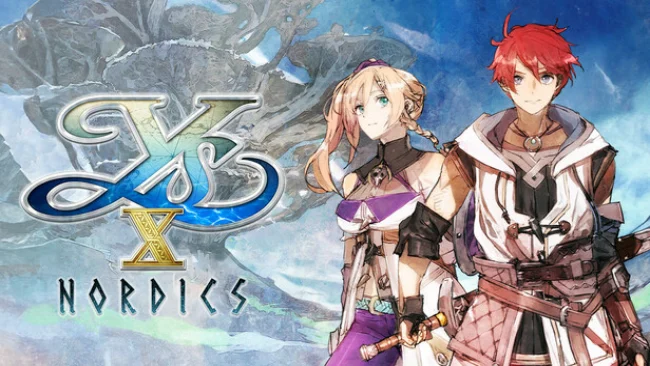
Game Overview
Obelia Gulf gives the long-running action-RPG series a lively nautical backdrop, trading isolated ruins for dangerous waters, fishing villages, and islands that invite detours. Adol Christin arrives as an adventurer, then becomes magically bound to Karja Balta, a blunt Norman pirate with her own stake in the region’s survival. Their search for answers leads them against the Griegr, eerie immortal creatures threatening the gulf’s people. The mood stays adventurous and colorful, but the story carries enough danger and mystery to make its seafaring setting feel more than decorative.
Combat centers on the pair’s unusual bond. Players can switch between Adol’s fast swordplay and Karja’s heavier axe attacks, or control them together in Cross Action to block, evade, and break through enemy defenses as a unit. Successful offense and defense feed a Revenge Gauge, letting the duo answer hard-hitting foes with powerful retaliatory skills, while Mana abilities expand dungeon traversal through grappling, sliding, creating pathways, and smashing barriers. Progress comes from improving equipment, learning skills, finding treasure, and taking on increasingly demanding battles; it is a single-player adventure built around responsive action rather than multiplayer grinding.
Sailing the Sandras is the feature that most clearly separates Ys X: Nordics from earlier entries. The ship turns the gulf into a navigable hub full of optional islands, concealed rewards, naval encounters, and locations that become accessible as the vessel improves. Falcom’s brisk pacing remains intact: exploration rarely stays quiet for long before a platforming challenge, boss fight, or character scene pulls the party forward. Fans of Ys VIII: Lacrimosa of Dana, Tales-style action combat, or compact JRPGs with plenty of momentum should feel immediately at home, while newcomers get a self-contained story and an approachable entry point to Adol’s travels.
Screenshots
Installation
- Select the Download button at the top of this page to open UploadHaven.
- On UploadHaven, wait for any countdown, then select Free Download. Optional: UploadHaven Pro for faster downloads.
- When complete, extract the archive to a Ys X: Nordics folder using 7-Zip.
- Open the extracted folder and start the game normally.
- For errors, check Setup Guide & Troubleshooting below. Keep your security software enabled.
System Requirements
- Requires a 64-bit processor and operating system
- OS: Windows 10/11
- Processor: AMD Ryzen 5 1600
- Memory: 8 GB RAM
- Graphics: NVIDIA GeForce GTX 1050
- DirectX: Version 11
- Storage: 7 GB available space
- Additional Notes: Settings: 1080p, 60 FPS, Performance Graphics Profile
Setup Guide & Troubleshooting
How do I fix missing DLL errors for Ys X: Nordics (v1.0.9 & ALL DLC)?
After extracting Ys X: Nordics (v1.0.9 & ALL DLC), navigate to the _Redist or _CommonRedist folder inside the game directory and install DirectX, Vcredist, and any other dependencies included.
What should I do if the downloaded file is corrupted?
The full archive is 6.88 GB — make sure your download completed fully before extracting. Use 7-Zip to extract the files. If you still see a "file corrupted" error, re-download and try again.
Do I need to run the game as administrator?
Usually, no. Start the game normally from the extracted folder. If you see a permissions or save error, check that the folder is writable and follow the game's documented fix. Only grant administrator access when a trusted game's specific setup requires it.
How do I update my GPU drivers for this game?
The game won't launch — what should I try?
Check that extraction completed and your PC meets the system requirements, including Version 11. Note any error message before choosing a fix. If it identifies a missing runtime, install the required DirectX components or Microsoft Visual C++ Redistributable from Microsoft.
My antivirus is blocking the game — is it safe?
A warning needs to be investigated; the download source alone cannot confirm that a file is safe. Keep your security software enabled and review the detection details. Do not run or restore a flagged file unless you have verified that it is a false positive. If you are unsure, leave it quarantined.